
– ANY DEVICE, ANY BROWSER –
Any Device
Any Browser
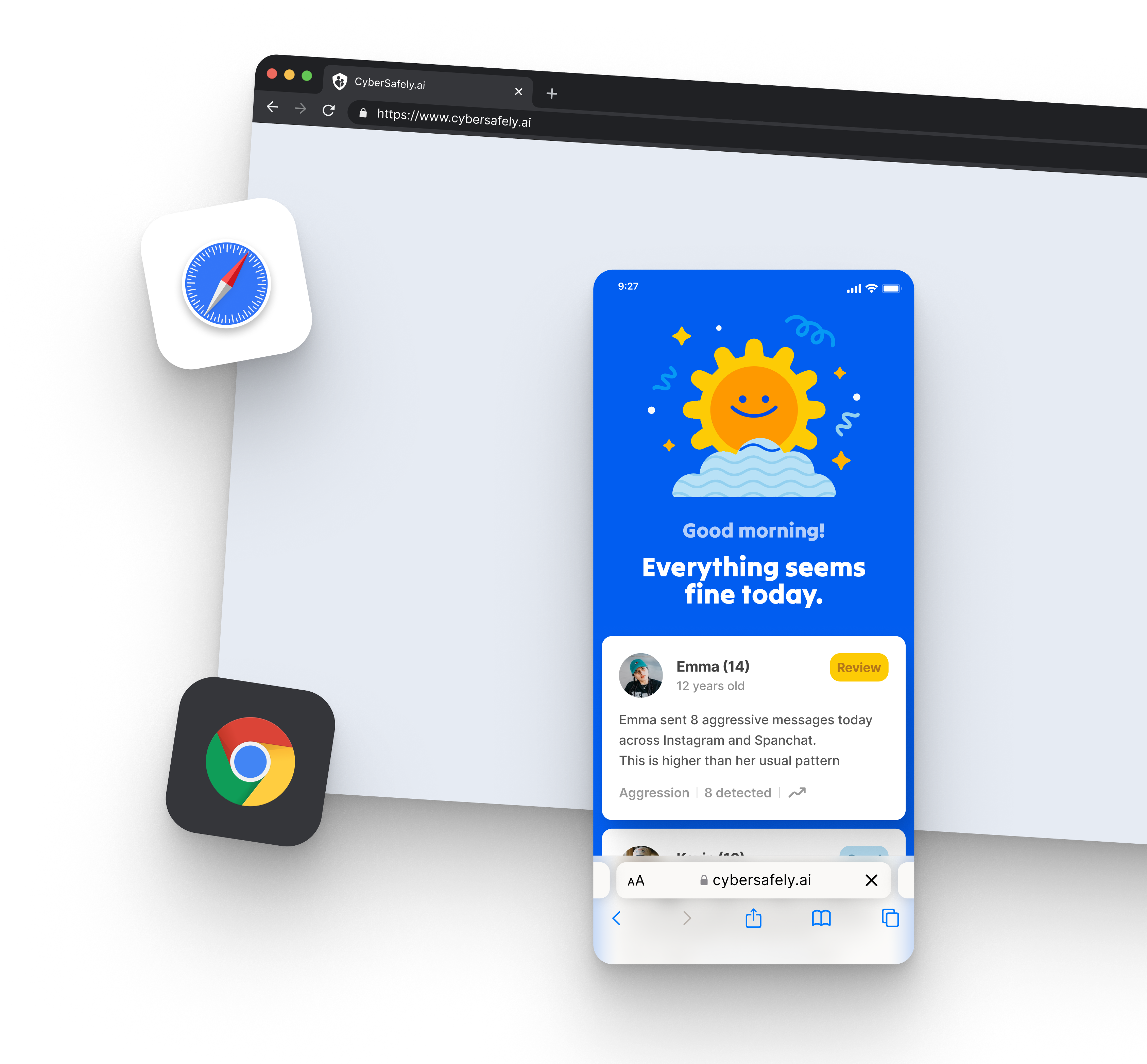
CyberSafely’s on-device Smart Keyboard delivers consistent AI monitoring on iPhone, Android, tablet, or laptop. Because analysis happens wherever your child types—in any app or browser—coverage follows them without gaps and without slowing the device.
– WHAT IT DOES –
Consistent coverage,
everywhere they go
Kids don’t stay on one device. They move between a phone, a school laptop, a tablet, and back again throughout the day. CyberSafely’s on-device Smart Keyboard is designed so monitoring follows them on each device—whatever app or browser they use to type.
On iPhone, Android, tablet, or laptop, the Smart Keyboard analyzes text locally as it’s typed. That means coverage in direct messages, group chats, social apps, and browser search bars—without tracking activity on the web or connecting accounts per platform.
Because analysis runs on-device at the keyboard layer, monitoring stays lightweight. Protection is consistent everywhere your child types, without the performance hit of heavy surveillance software.
– HOW IT WORKS –
How cross-platform coverage works
On-device AI at the keyboard layer adapts to every device your child uses—no web tracking required.
Set up the Smart Keyboard
A simple setup activates the CyberSafely Smart Keyboard on your child’s device. On-device monitoring begins automatically wherever they type.
Cover every platform
Whether your child is on iPhone, Android, a tablet, or a laptop, on-device AI provides consistent monitoring in every app and browser text field.
Monitor locally
Analysis happens on the device as text is typed. Nothing is tracked on the web—only flagged detections are sent to the parent dashboard.
Keep coverage seamless
As your child switches devices throughout the day, set up the keyboard on each device so there are no gaps where they type unmonitored.
Any device
Today at 1:24 PM
School laptop
Chrome browser
– SEE IT IN ACTION –
Same protection, new device
A threat detected on a school laptop is treated exactly like one on a phone. Coverage doesn’t reset or disappear when your child changes devices.
– WHO IT'S FOR –
Who this is for
For households and schools where kids use more than one device and protection can’t have blind spots.
Multi-device families
When kids hop between a phone, tablet, and laptop, you don’t want coverage that only works on one of them.
1:1 device schools
Extend consistent protection to school-issued laptops and personal phones alike, without per-device installs.
Mixed-OS homes
iPhone and Android under the same roof? Web-based coverage means one consistent experience across both.
– FREQUENTLY ASKED –
Questions,
Answered
Straight answers about any device, any browser and how it keeps your child safe online.
Ready to protect your child?
Setup takes just a few minutes, and a dedicated representative is here to help. See Any Device, Any Browser in action today.